

Separate product · Lead Grabber in Chrome
The Google Maps scraper that runs in your browser.
The LeadScrapper Chrome Extension turns any Google Maps or realtor.com search into a contact-ready lead list: phones, emails, socials, named staff and a website audit, exported to CSV, Excel or JSON. Your leads stay in your own browser.
One payment from $47. Does not include the LeadScrapper lead database platform.
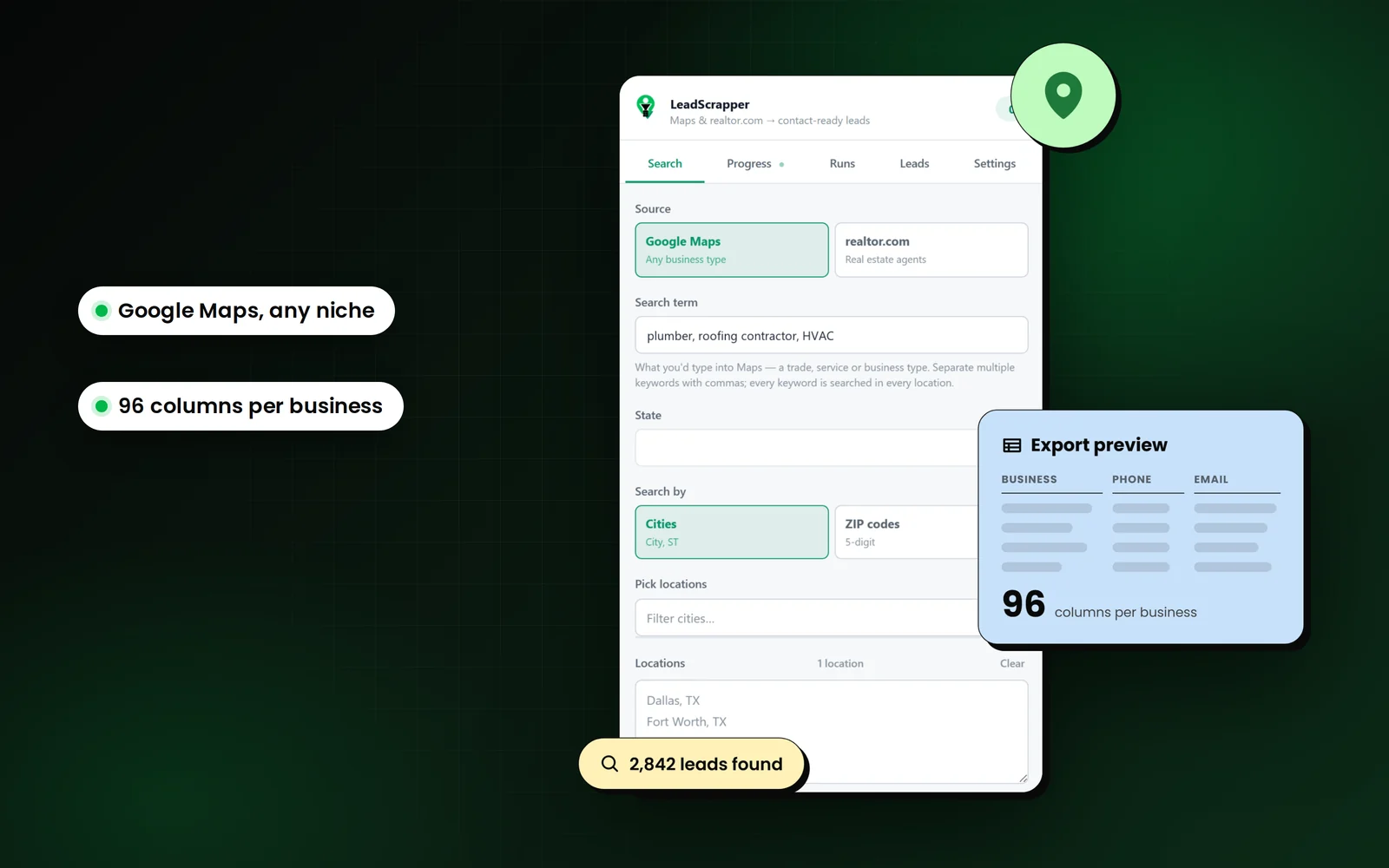
How does the Google Maps extension work?
You search, it opens every listing and website, finds the people, scores each lead and exports the list. About 120 results come back per Google search; add more cities or ZIP codes to go wider.
- 01
Type a search
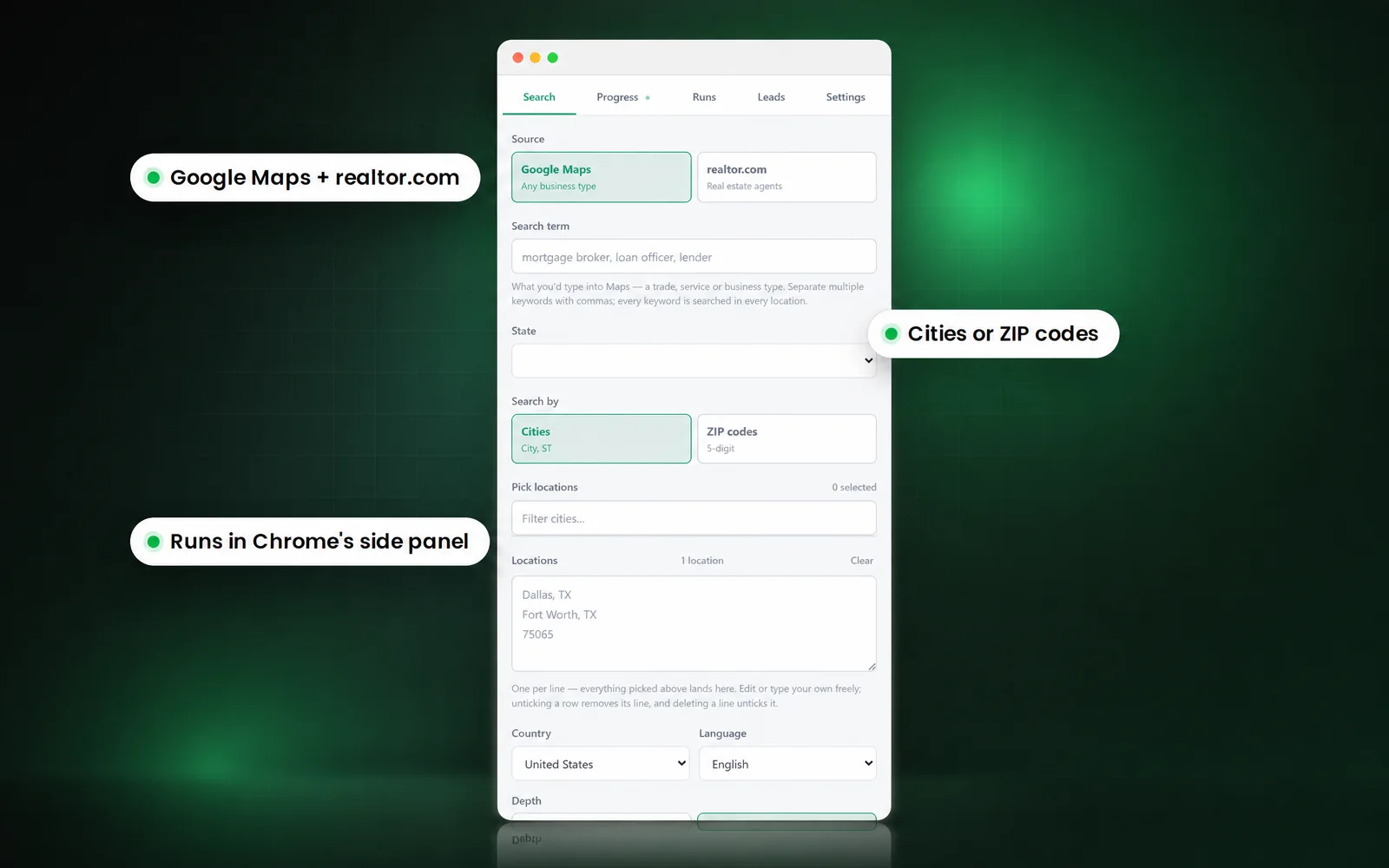
A business type and the cities or ZIP codes you want, the way you would search Maps.
- 02
It visits every listing and site
Each listing is read, each website is checked for emails and socials, and staff pages are crawled for named people.
- 03
It scores every lead
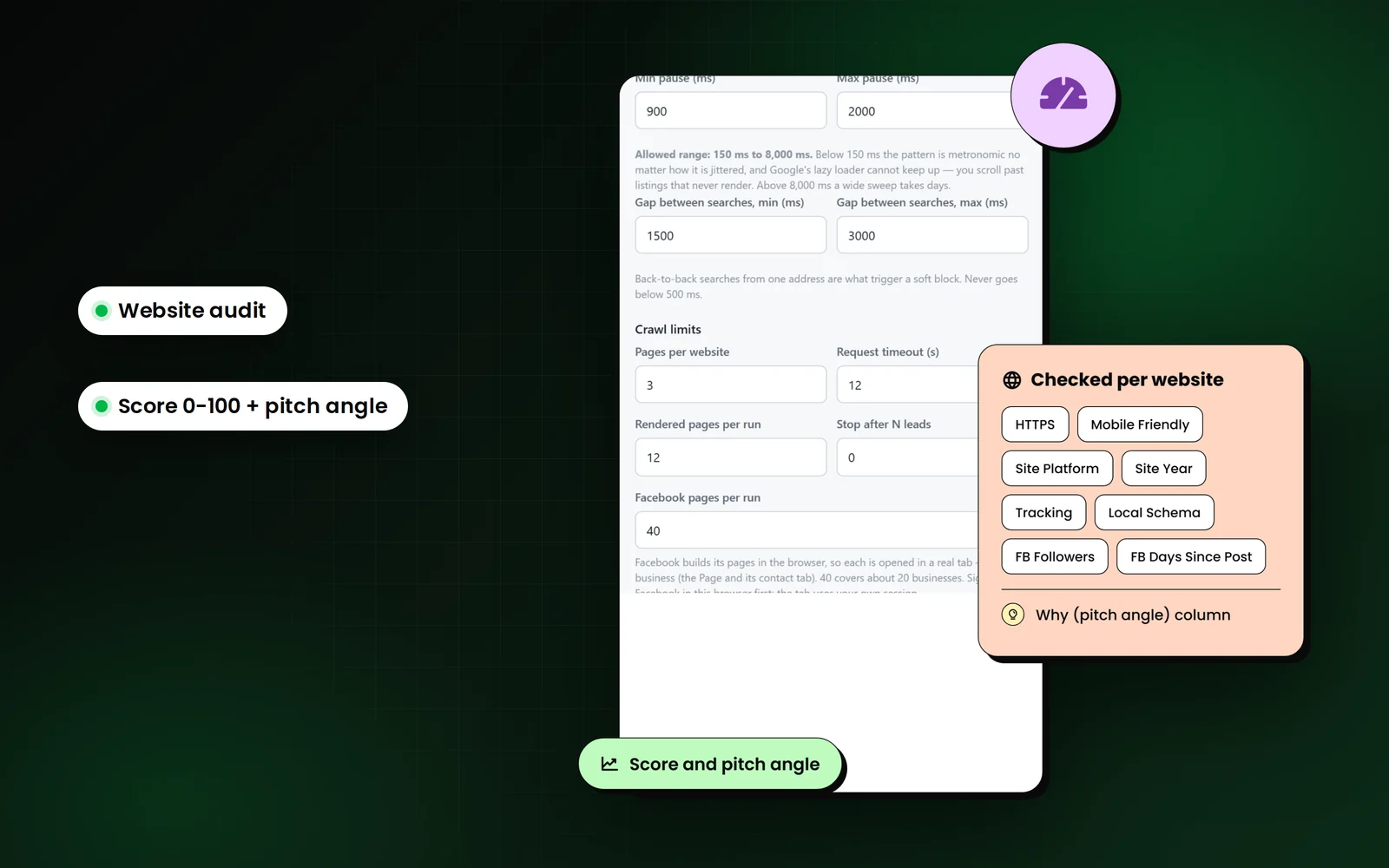
A website audit and a 0 to 100 score with the pitch angle written out.
- 04
Export the list
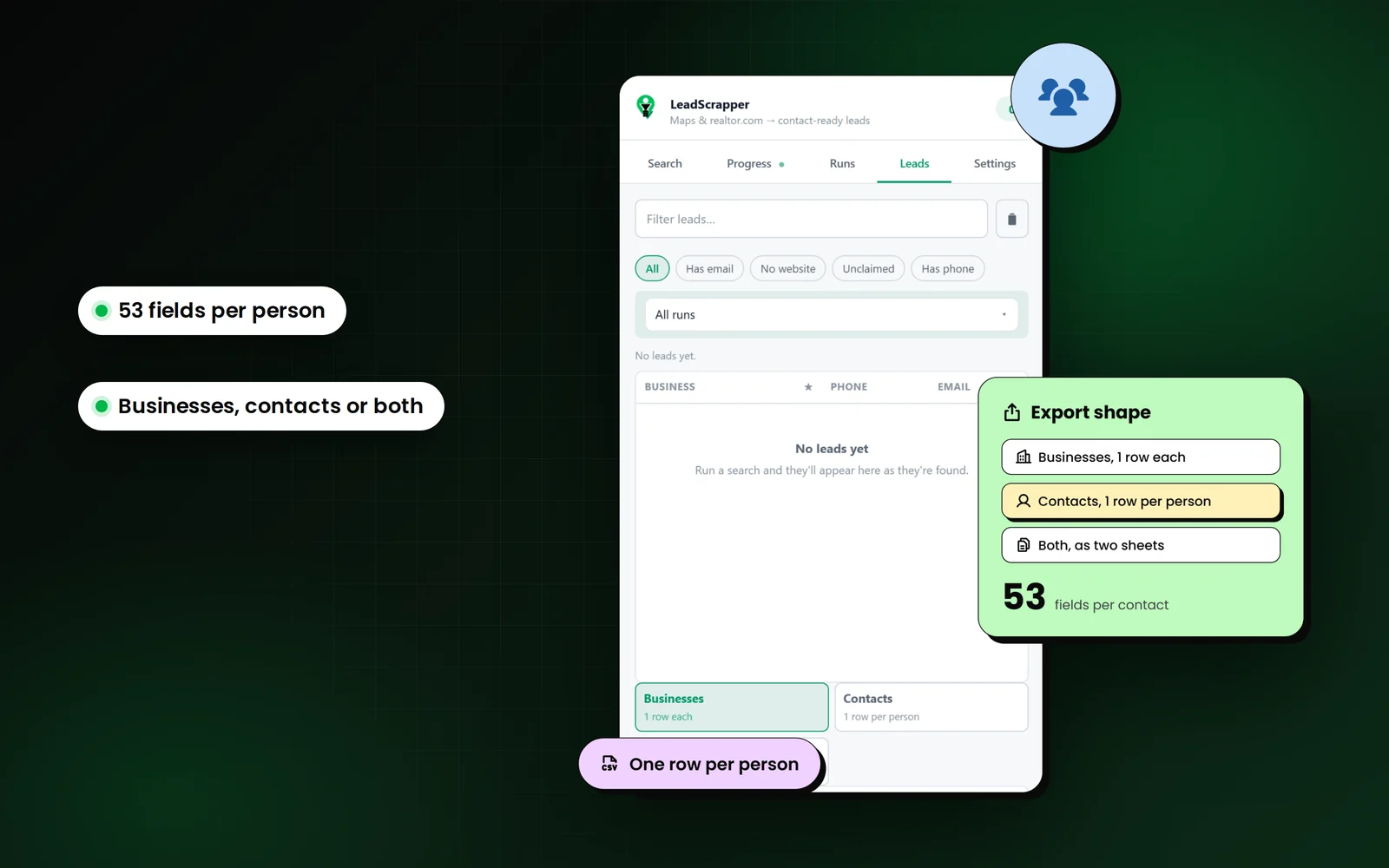
CSV, Excel or JSON: businesses, contacts, or both. The data never leaves your browser.
Extension pricing
How much is the Chrome Extension?
Starter is $47 one time for 5,000 exported leads. Unlimited is $97 one time with no ceiling. The reseller licence lets you sell it under your own brand.
Separate product, bought separately: extension plans do not include the LeadScrapper lead database platform.
Extension Starter
For one person working a defined patch.
$47one time
Buy Starter- 5,000 leads exported to CSV
- Google Maps and realtor.com sources
- Emails and socials from each business website
- Team and staff pages, one row per person
- CSV, Excel and JSON export
- Runs resume after a crash or a restart
Extension Unlimited
For anyone who runs out of 5,000 in a month.
$97one time
Buy Unlimited- Unlimited lead exports
- Everything in Starter
- Facebook page enrichment
- No export ceiling, no per-lead cost
- Chrome compatibility updates included
- Email support
Extension Reseller
Sell it as your own product, under your own name.
$980one time, then $97 per month
Buy Reseller- Rebranded with your name, icon and colours
- Sell it to your own clients at your own price
- Unlimited installs for the clients you licence
- We ship updates when Chrome or the sources change
- You receive the packaged extension file
- Source code is not included
| Feature | Starter$47 | Unlimited$97 | Reseller$980 |
|---|---|---|---|
| Payment | One time | One time | $980 + $97/month |
| Leads exported to CSV | 5,000 | Unlimited | Unlimited |
| Google Maps source | Included | Included | Included |
| realtor.com source | Included | Included | Included |
| Emails and socials from each website | Included | Included | Included |
| Team and staff pages, one row per person | Included | Included | Included |
| Website audit columns and pitch angle | Included | Included | Included |
| Facebook page enrichment | Not included | Included | Included |
| CSV, Excel and JSON export | Included | Included | Included |
| Runs resume after a crash or restart | Included | Included | Included |
| Leads stay in your own browser | Included | Included | Included |
| Chrome compatibility updates | Included | Included | Included |
| Rebranded with your name and icon | Not included | Not included | Included |
| Licence to sell to your own clients | Not included | Not included | Included |
| Source code | Not included | Not included | Not included |
Prices in US dollars. All sales are final once payment is taken; see the refund policy.
See the extension, panel by panel.
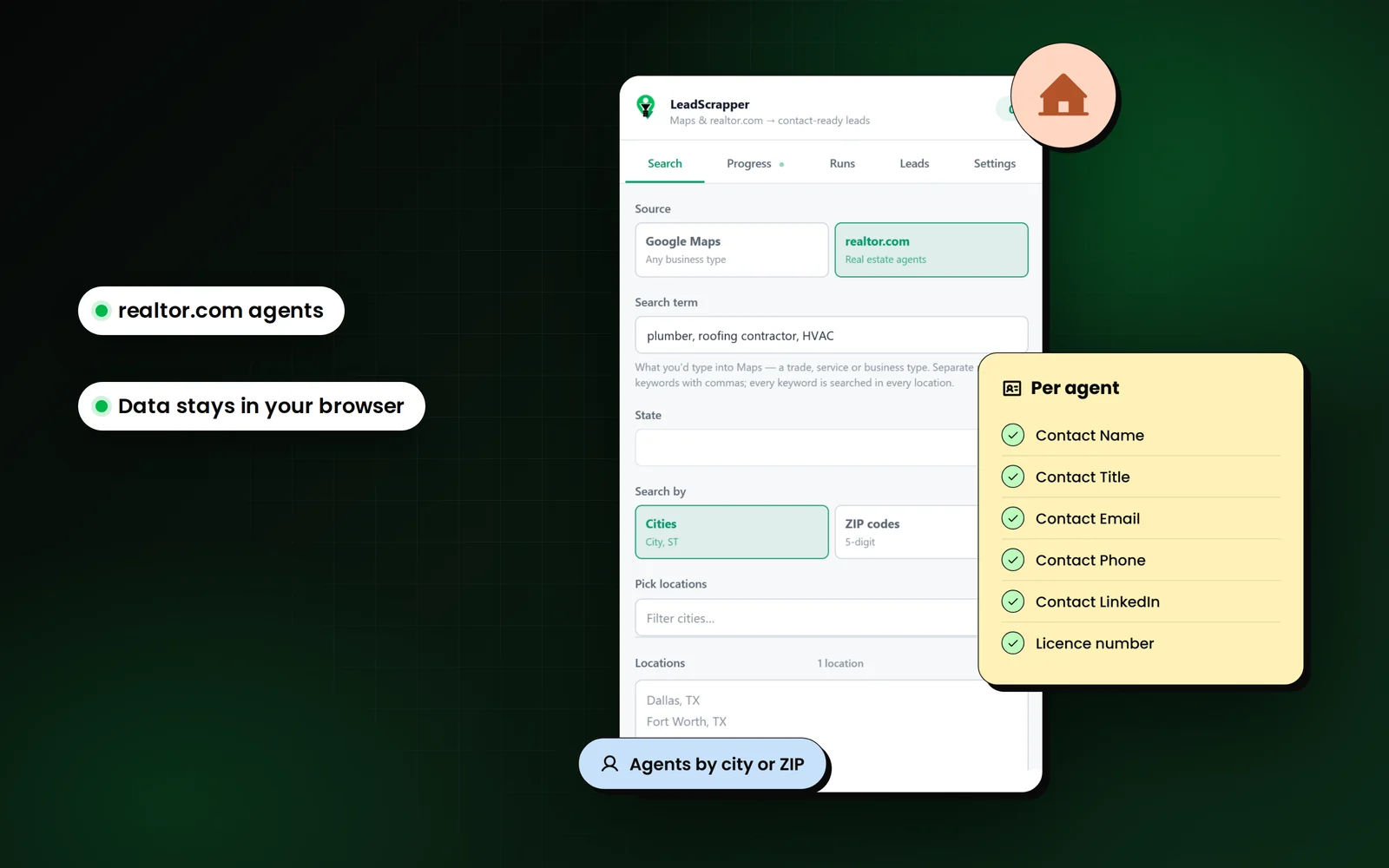
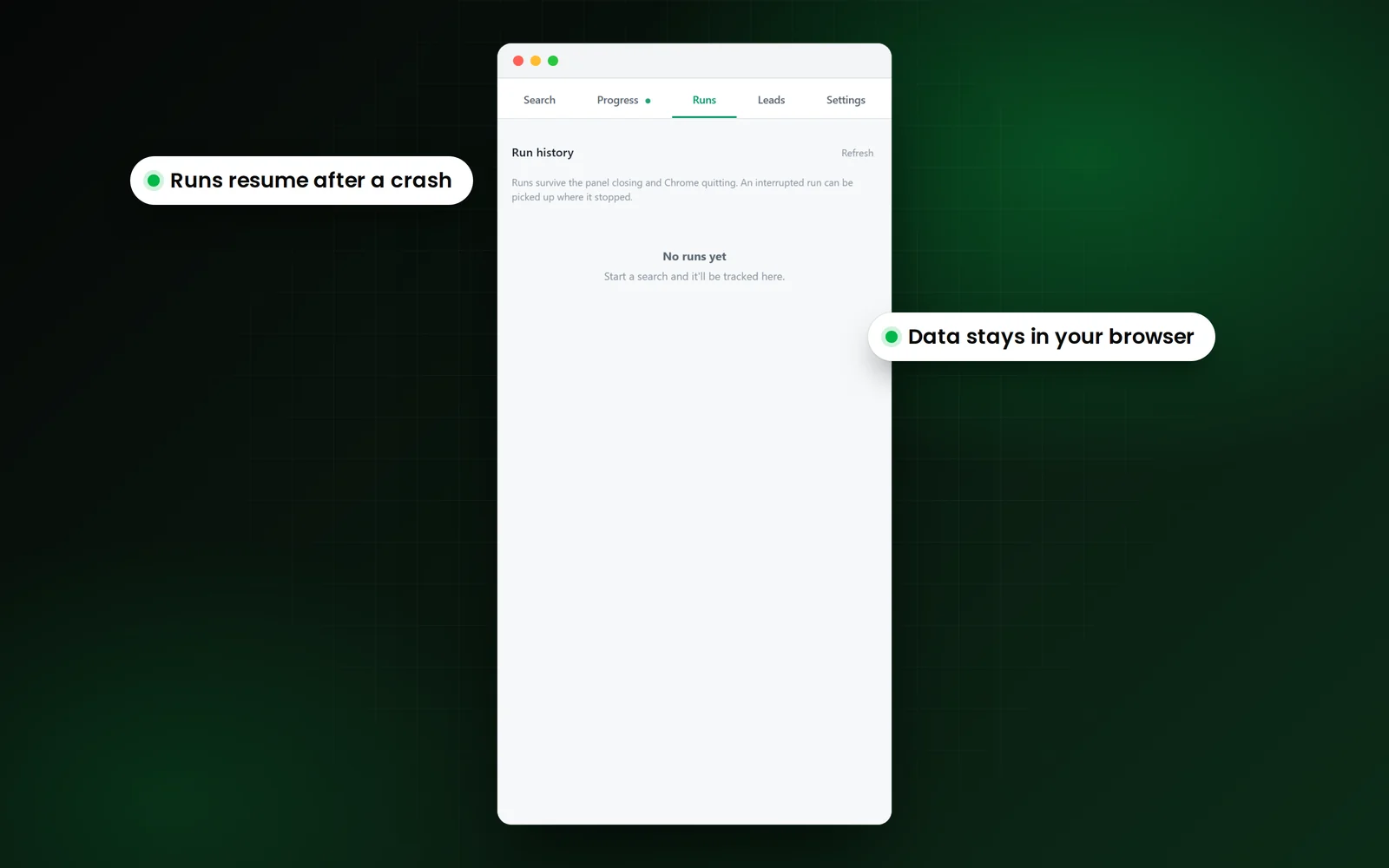
Real screens from the extension's side panel.
Watch one run, start to finish.
Video not loading? Watch it on Loom:loom.com/share/d389a79ead1d48b9b7060876a2a43d9b
Chrome Extension FAQ
The extension
What is the LeadScrapper Chrome Extension?
A Chrome extension that turns a Google Maps search, or a realtor.com agent search, into a contact-ready lead list. It opens each listing and website, finds emails, social profiles and the people behind the business, and exports everything to CSV, Excel or JSON. See every extension feature.
Is the extension part of the LeadScrapper platform?
No. It is a separate product, bought separately. Extension plans do not include the LeadScrapper lead database, and platform plans do not include the extension.
How does the extension work?
You type a business type and pick cities or ZIP codes. It searches each location, reads every listing, visits each website for emails and socials, optionally crawls team pages for named staff, scores each lead, then lets you export. How it works walks through each stage.
What data does it collect for each business?
Up to 96 columns per business: name, categories, rating, reviews, phone, website, emails, six social profiles, full address with coordinates, hours, claimed status, services, booking links, website audit signals, a 0 to 100 score and a pitch angle. Each person found gets up to 53 fields. The column guide explains each one.
Does it find the owner or decision maker?
Often, yes. With Team and staff pages turned on, it reads the people a business lists on its website, ranks them by title before opening any profile, and puts the most senior reachable person on the business row. It can only find people the business publishes.
Which sources does it support?
Google Maps, for any kind of business, and realtor.com, for real estate agents. Facebook Pages can be added as an enrichment step on the Unlimited and Reseller plans.
How many results can I get from one Google Maps search?
About 120. Google stops a single search's results near that number. Add more cities or ZIP codes to go wider; each location is searched separately and the results are merged and deduped.
Is it called LeadScrapper or Lead Grabber?
Both refer to the same extension. You buy the LeadScrapper Chrome Extension; inside Chrome it shows as Lead Grabber.
Extension plans
How much does the extension cost?
Starter is $47 one time for 5,000 leads exported to CSV. Unlimited is $97 one time with no export ceiling. The Reseller licence is $980 one time plus $97 a month and lets you sell it under your own brand. See the extension plans.
Is it a subscription?
No. Starter and Unlimited are single payments with no recurring charge. Only the Reseller licence has a monthly fee, which covers ongoing updates and support.
What happens after I export 5,000 leads on Starter?
Exporting stops at the ceiling. You can upgrade to Unlimited at any time and carry on with the same install and the same stored leads. You pay the difference, not the full price again.
What do I receive after paying?
A download link for the extension file on your confirmation page and in your purchase email, plus the install guide.
How many machines can I install it on?
One person, on the machines that person works from. A reseller licence is the route if you need to put it in front of clients or a team.
Can I resell it to my clients?
Yes, with the Reseller licence. It is rebranded with your name, icon and colours, and you set your own price. Source code is not included.
Do you offer refunds?
No. All sales made on this site are final once payment is taken. Ask anything before you buy. The refund policy sets this out in full.
Install and browsers
How do I install the extension?
Unzip the download, open chrome://extensions, turn on Developer mode, click Load unpacked and select the folder that contains manifest.json, then pin it. The install guide has every step and a walkthrough video.
Is it on the Chrome Web Store?
No. It is delivered as a file you load yourself, which is why Chrome asks for Developer mode. That setting only affects extensions you load by hand.
The extension disappeared after I moved or deleted the folder.
Chrome runs the extension from the unzipped folder. Put the folder back, or unzip it again somewhere permanent, then click Load unpacked once more.
Load unpacked says the manifest file is missing.
You selected the outer folder. Open it and select the inner folder that contains manifest.json.
Which browsers does it work in?
Chrome 114 or later, and Chromium browsers that support the same side panel, such as Edge and Brave.
Does it work on a Mac?
Yes. It runs anywhere Chrome 114 or later runs, including Windows, macOS and Linux. It does not run on phones or tablets, because mobile Chrome does not support extensions.
Data, accuracy and legal
Why do some leads have no email?
Not every business publishes one. The extension checks the homepage and up to two contact-style pages, then marks the row rather than guessing an address.
Are the emails verified?
Partly. An optional check confirms that the email's domain can receive mail and flags shared inboxes such as info or sales. A browser cannot prove an individual mailbox exists, so verify addresses before a large campaign.
What happens if Chrome crashes during a run?
The run resumes. Every task is saved in the browser's database as it completes, the Runs tab offers Resume on the next launch, and a checkpoint CSV is written to Downloads every 250 leads. More on how runs survive.
Why is it slower than I expected?
It runs at a deliberate pace, with randomised delays, a few concurrent fetches and backoff when a source pushes back. Going faster gets your own connection throttled.
Which export formats are available?
CSV, Excel (XLSX) and JSON, as Businesses (one row per business), Contacts (one row per person) or Both (two sheets in one workbook).
Does the extension send my leads to your servers?
No. It keeps the leads it collects in your browser's own storage, and they never reach our servers.
Is it legal to scrape Google Maps?
Google's Terms of Service prohibit scraping Google Maps, so using any Maps scraper is a decision about those terms that you make yourself. The data collected is business information that businesses publish. This is not legal advice; if it matters to your business, ask a lawyer where you operate.
LeadScrapper Chrome Extension
Run your first list today.
Install it in two minutes, run the search you would actually run, and open the CSV. One payment.
- Chrome Extension
- One-time payment
- 96 columns per lead
- Your data stays in your browser