

Chrome Extension use case: B2B sales teams
A territory list with the owner on every row.
Payments, software, supplies, insurance, staffing, cleaning, signage. If your buyer is a local business, they have a Maps listing. LeadScrapper turns the category and the territory into a list of people, not front desks.
How do b2b sales teams use LeadScrapper?
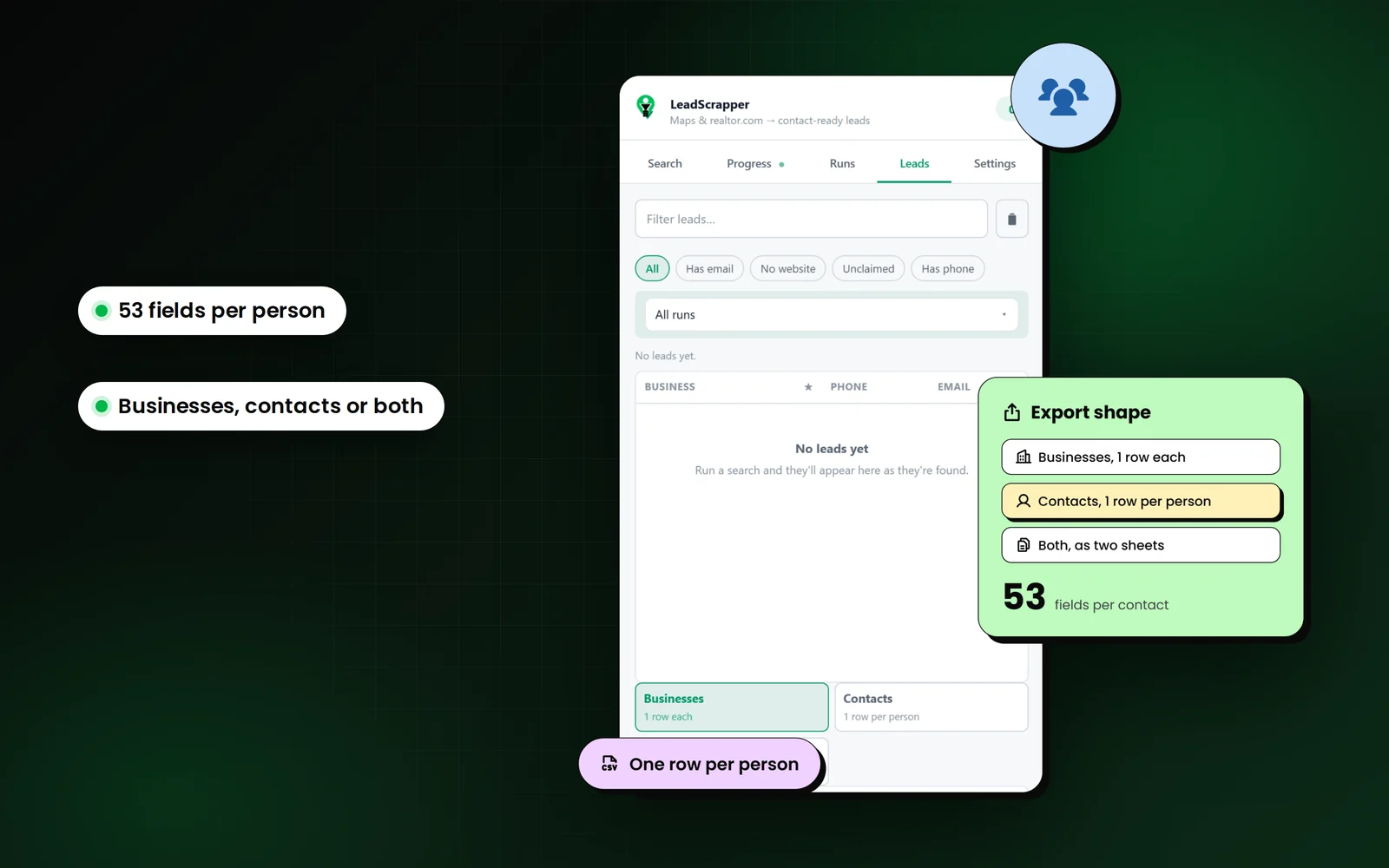
B2B reps use LeadScrapper to export every business of a type in their territory with the most senior person found on its website promoted onto the row, plus a separate Contacts sheet of everyone found, ready to import into a CRM or dialer.
Searches that work well
- restaurant
- dental office
- gym
- law firm
- auto dealership
- medical clinic
Which columns matter most?
Every export has the full 96 business columns. These are the ones to sort and filter on for this job. The features page explains the rest.
| Column | Why it matters |
|---|---|
| Contact Name / Contact Title | The most senior person found, so you ask for them by name. |
| Contact Email / Contact Phone | Their own details where the site publishes them. |
| Reviews / Rating | A rough proxy for size and activity when you have no revenue data. |
| City / State / Zip | Split territories between reps or sequence by area. |
| All Categories / Services | Qualify fit before the first call. |
| Decision Maker | On the Contacts sheet, Yes marks the top-ranked titles. |
The workflow, step by step
- 1
Define the territory as locations
Pick a state and add the cities or ZIP codes you own. Each is searched and merged.
- 2
Cover the vertical with keywords
dentist, orthodontist, dental clinic in one run. Every keyword runs in every location.
- 3
Export Both
The Businesses sheet is the account list; the Contacts sheet is the people list. Same run, two tabs.
- 4
Import and sequence
Contacts carries the business on every row, so it imports into a CRM without lookups.
Use the list responsibly
Cold email to US businesses must follow CAN-SPAM: an honest subject line, your physical address and a working opt-out. If any prospects are in the UK or EU, GDPR and PECR apply. Verify contact details before a campaign.
The FAQ covers the legal questions people ask most.
Questions from b2b sales teams
Does LeadScrapper find the owner or just the business?
Both. With Team and staff pages on, it reads the people listed on the business website, ranks them by title and puts the most senior reachable person on the business row. Everyone found is also available as a Contacts sheet.
Can I import the export into my CRM?
Yes. Export Contacts or Both as CSV or Excel. Each contact row carries the business name, phone, website and address, so it maps onto standard CRM import fields.
Is this a B2B database like the big data vendors?
Partly. LeadScrapper includes a searchable database of more than 10 million US business leads, and the Chrome extension also collects what local businesses publish on their Google listing and website at the moment you run it. That live collection is why it suits local businesses that the big databases cover poorly.
Other extension workflows
- Web design agenciesHow web designers and agencies use LeadScrapper to list local businesses with no website, a down site or a dated one, with a pitch angle on every row.Read more
- Local SEO agenciesHow local SEO and marketing agencies use LeadScrapper to find businesses with unclaimed listings, few reviews, missing schema or no tracking, by city.Read more
- Real estate and mortgageHow loan officers, title, inspectors and real estate vendors use LeadScrapper to build agent lists from realtor.com and lender rosters from Google Maps.Read more
LeadScrapper Chrome Extension
Build this list with the extension.
The LeadScrapper Chrome Extension is a separate product with one-time plans. Install it in two minutes and run the search on this page.
- Chrome Extension
- One-time payment
- 96 columns per lead
- Your data stays in your browser