

Chrome Extension use case: Local SEO agencies
Prospect for local SEO with the gaps already listed.
Local SEO prospects show their problems in public: an unclaimed listing, a handful of reviews, no photos, no hours, a site with no local schema. LeadScrapper reads all of it and puts it in columns.
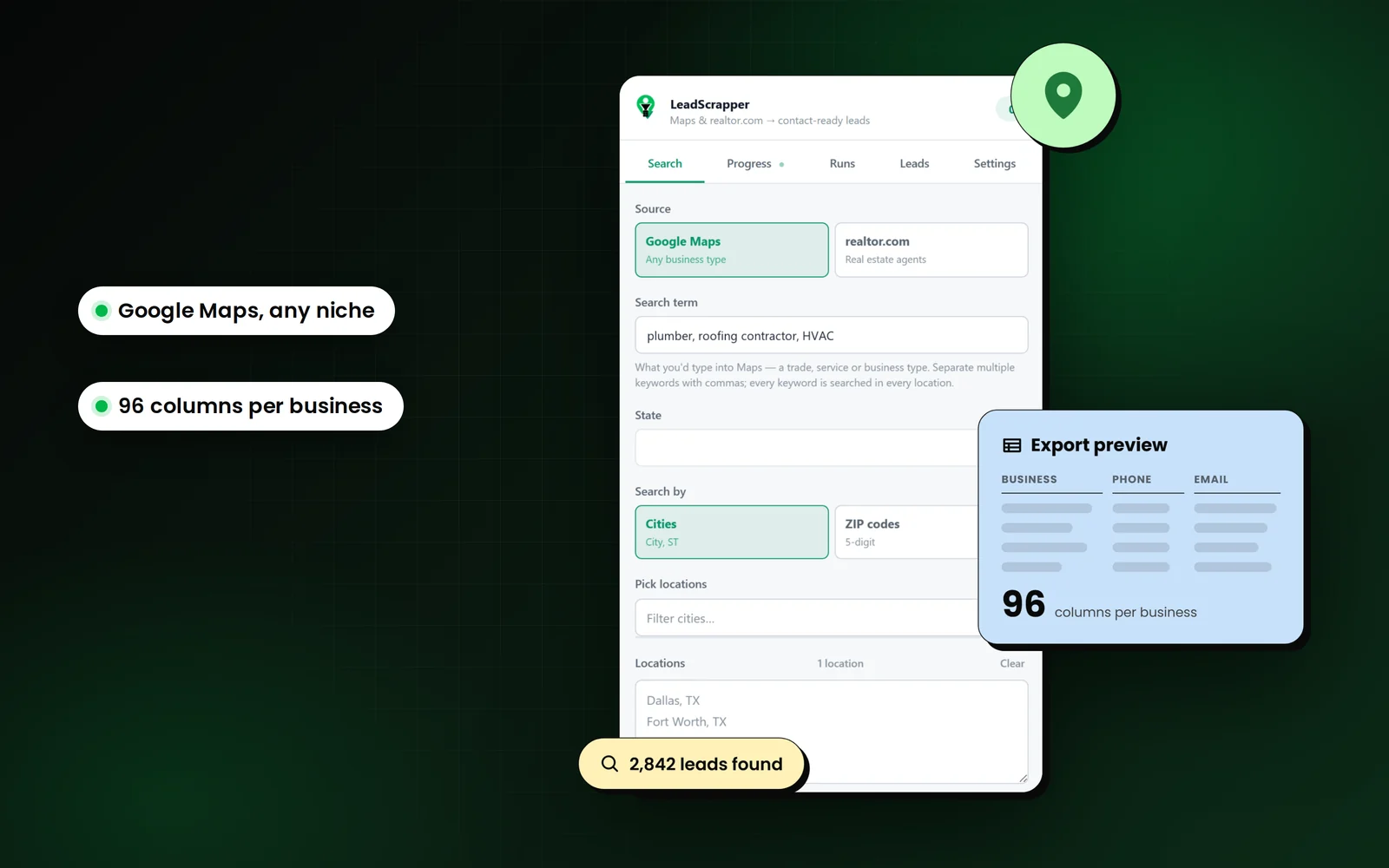
How do local seo agencies use LeadScrapper?
Local SEO agencies use LeadScrapper to export every business in a category and area with its Google listing signals (claimed, rating, reviews, photos, hours, description) and its website signals (local schema, tracking, mobile, HTTPS), then sort by the gaps they fix.
Searches that work well
- dentist
- personal injury lawyer
- plumber
- med spa
- chiropractor
- HVAC
Which columns matter most?
Every export has the full 96 business columns. These are the ones to sort and filter on for this job. The features page explains the rest.
| Column | Why it matters |
|---|---|
| Claimed | An unclaimed listing is one of the strongest local SEO openers. |
| Rating / Reviews | Few or no reviews, or a rating under 4, is a reputation project. |
| Photos / Description / Hours | A thin profile is a quick, visible win to propose. |
| Local Schema | No local business structured data on the site is an on-page gap. |
| Tracking | No analytics or ad pixel usually means no one is measuring marketing. |
| Latitude / Longitude | Map prospects or group them by neighbourhood for territory planning. |
The workflow, step by step
- 1
Choose a category with real search demand
Pick categories where people search "near me" and a top-three position is worth money to the business.
- 2
Cover the whole metro
Run every suburb or ZIP as its own location to get past the roughly 120-result cap per search.
- 3
Filter to the gaps you sell
Unclaimed, under 15 reviews, under 5 photos, no description or no local schema. Each is its own column.
- 4
Lead with their competitors
The same export lists the well-reviewed competitors in their area, which makes the gap concrete.
Example pitch-angle lines
The Why (pitch angle) column lists the reasons behind each score, strongest first. These are the kinds of lines it writes.
- Google listing is unclaimed
- Only 9 reviews
- Only 3 photos on Google
- No business description on Google
- No local business schema (SEO gap)
- No tracking pixel, not running ads
Use the list responsibly
Use the data to start an honest conversation, and never misrepresent your relationship with Google. LeadScrapper is not affiliated with Google, and nor are you.
The FAQ covers the legal questions people ask most.
Questions from local seo agencies
Can LeadScrapper tell me if a Google Business Profile is claimed?
Yes. In Deep mode the Claimed column reads Yes or No for each listing, and an unclaimed listing raises the lead's score and appears in the pitch angle.
Does it check website SEO?
It checks a few signals from the homepage it already downloads: local business schema, HTTPS, mobile friendliness, tracking pixels, platform and the copyright year. It is a prospecting filter, not a full SEO audit.
How do I cover a whole city when Google stops at about 120 results?
Add each suburb, neighbourhood or ZIP code as its own location. Every location is searched separately and the results are merged and deduped.
Other extension workflows
- Web design agenciesHow web designers and agencies use LeadScrapper to list local businesses with no website, a down site or a dated one, with a pitch angle on every row.Read more
- Real estate and mortgageHow loan officers, title, inspectors and real estate vendors use LeadScrapper to build agent lists from realtor.com and lender rosters from Google Maps.Read more
- B2B sales teamsHow reps who sell to local businesses use LeadScrapper to build territory lists with the owner or manager named and a CRM-ready contacts sheet.Read more
LeadScrapper Chrome Extension
Build this list with the extension.
The LeadScrapper Chrome Extension is a separate product with one-time plans. Install it in two minutes and run the search on this page.
- Chrome Extension
- One-time payment
- 96 columns per lead
- Your data stays in your browser