

Chrome Extension use case: Web design agencies
Find local businesses with no website, or a bad one.
Turn on one filter and every business in the list is one that does not have a website. Leave it off and the audit columns tell you which sites are down, parked, not mobile friendly or years out of date.
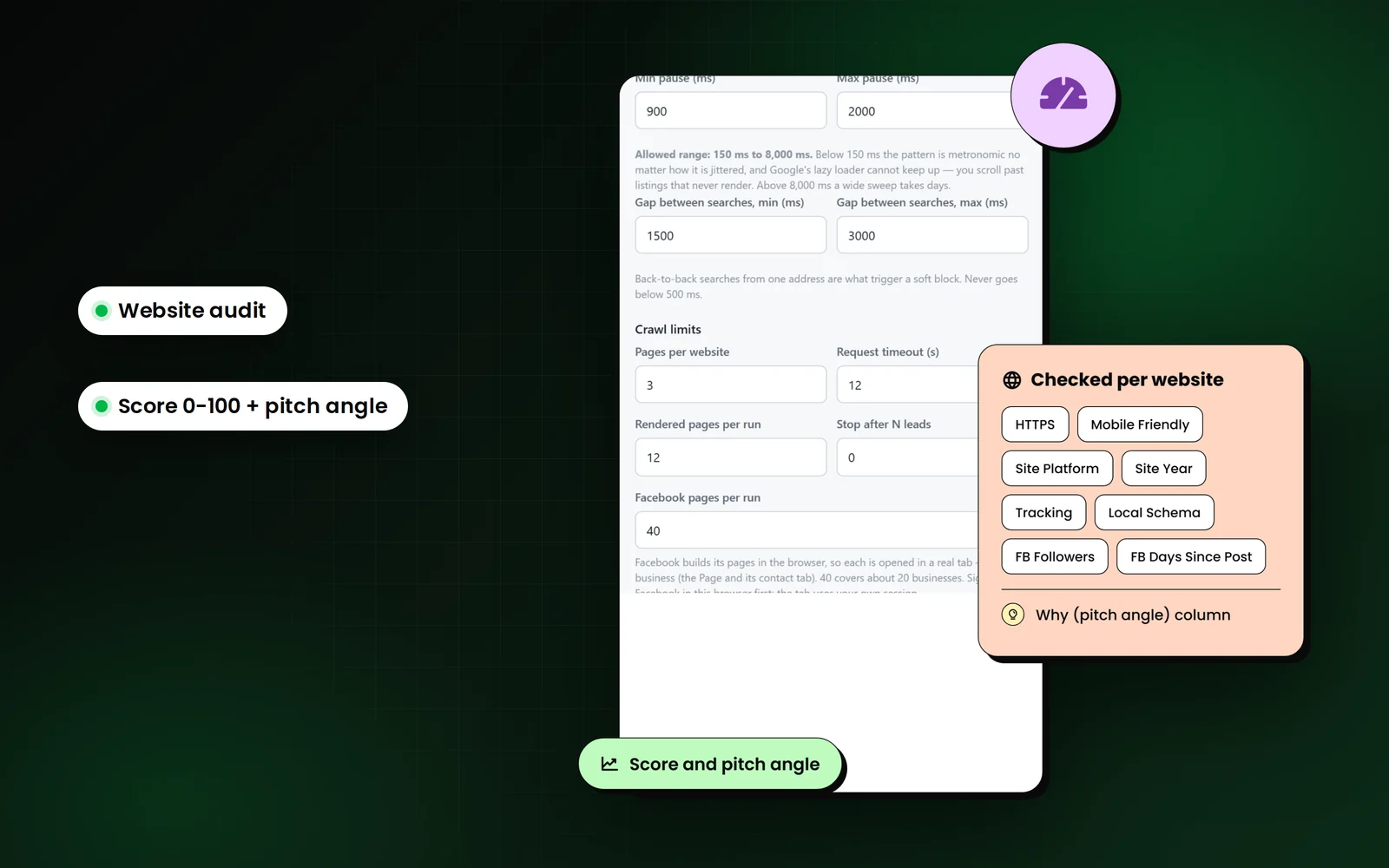
How do web design agencies use LeadScrapper?
Web designers use LeadScrapper to pull every business of one type in their area, keep only those with no website or a weak one, and export a list where each row already says what is wrong. The Why (pitch angle) column becomes the first line of the email or call.
Searches that work well
- roofing contractor
- landscaping
- auto repair
- hair salon
- cleaning service
- food truck
Which columns matter most?
Every export has the full 96 business columns. These are the ones to sort and filter on for this job. The features page explains the rest.
| Column | Why it matters |
|---|---|
| Has Website | No means no site linked from the listing. These score highest. |
| Site Status | Down, parked or empty sites are as good a lead as no site at all. |
| Mobile Friendly / HTTPS | A site that fails either is an easy, visible problem to show the owner. |
| Site Platform / Site Year | An old copyright year or a basic builder points to a rebuild. |
| Score / Why (pitch angle) | Sort by score, then use the reasons as your opening line. |
| Phone / Facebook | Businesses without a site are usually reachable by phone or their Page. |
The workflow, step by step
- 1
Pick trades that still run on a phone number
Home services, trades and owner-operated shops are where the no-website filter returns the most rows.
- 2
Search every city in your area
Google returns about 120 results per search, so add each town or ZIP code as its own location.
- 3
Sort by Score
No website, a dead site or an unclaimed listing all push a lead up. Work the top of the sheet first.
- 4
Open with the pitch angle
"No website at all" or "Site is not mobile-friendly" is specific, checkable and about them, not you.
Example pitch-angle lines
The Why (pitch angle) column lists the reasons behind each score, strongest first. These are the kinds of lines it writes.
- No website at all
- Website is down or unreachable
- Site is not mobile-friendly
- No HTTPS, browsers flag it Not secure
- Site last updated 2018
- Google listing is unclaimed
Use the list responsibly
Businesses without a website often list a mobile number. Calls and texts to mobiles carry extra rules in the US (TCPA and the Do Not Call registry); email carries CAN-SPAM. Check the rules for your channel before you start.
The FAQ covers the legal questions people ask most.
Questions from web design agencies
How do I find businesses without a website on Google Maps?
Search the business type and your cities in LeadScrapper with Deep mode on, then turn on Only businesses without a website under Filters and limits. The export will contain only listings that do not link a website.
What if a business has a website but it is bad?
Leave the filter off and use the audit columns instead. Site Status, Mobile Friendly, HTTPS, Site Platform and Site Year show which sites are down, dated or not built for phones, and the Score ranks them.
Can I get an email for a business with no website?
Often not from the website, because there is none. The phone number from the listing is the main route, and Facebook enrichment can add the email and phone shown on the business's Facebook Page.
Other extension workflows
- Local SEO agenciesHow local SEO and marketing agencies use LeadScrapper to find businesses with unclaimed listings, few reviews, missing schema or no tracking, by city.Read more
- Real estate and mortgageHow loan officers, title, inspectors and real estate vendors use LeadScrapper to build agent lists from realtor.com and lender rosters from Google Maps.Read more
- B2B sales teamsHow reps who sell to local businesses use LeadScrapper to build territory lists with the owner or manager named and a CRM-ready contacts sheet.Read more
LeadScrapper Chrome Extension
Build this list with the extension.
The LeadScrapper Chrome Extension is a separate product with one-time plans. Install it in two minutes and run the search on this page.
- Chrome Extension
- One-time payment
- 96 columns per lead
- Your data stays in your browser